PSM Parking Guidance Software

A real-time software platform for occupancy monitoring, parking space visualization, and guidance support across multi-story parking facilities.

Parking guidance software overview

Real-Time Monitoring for Better Parking Flow

PSM software collects real-time data from parking guidance devices and presents it in a clear, operator-friendly interface. It helps parking operators monitor occupancy, respond to issues faster, and support smoother driver guidance.

1
Live Occupancy Data

Receives real-time parking-space information from field devices.

2
Visual Floor Overview

Displays parking status in a clear graphical layout for operators.

3
Guidance Integration

Works with detectors, controllers, and displays to support driver routing.

Core Functions

  • Real-time parking-space data collection from connected field devices.
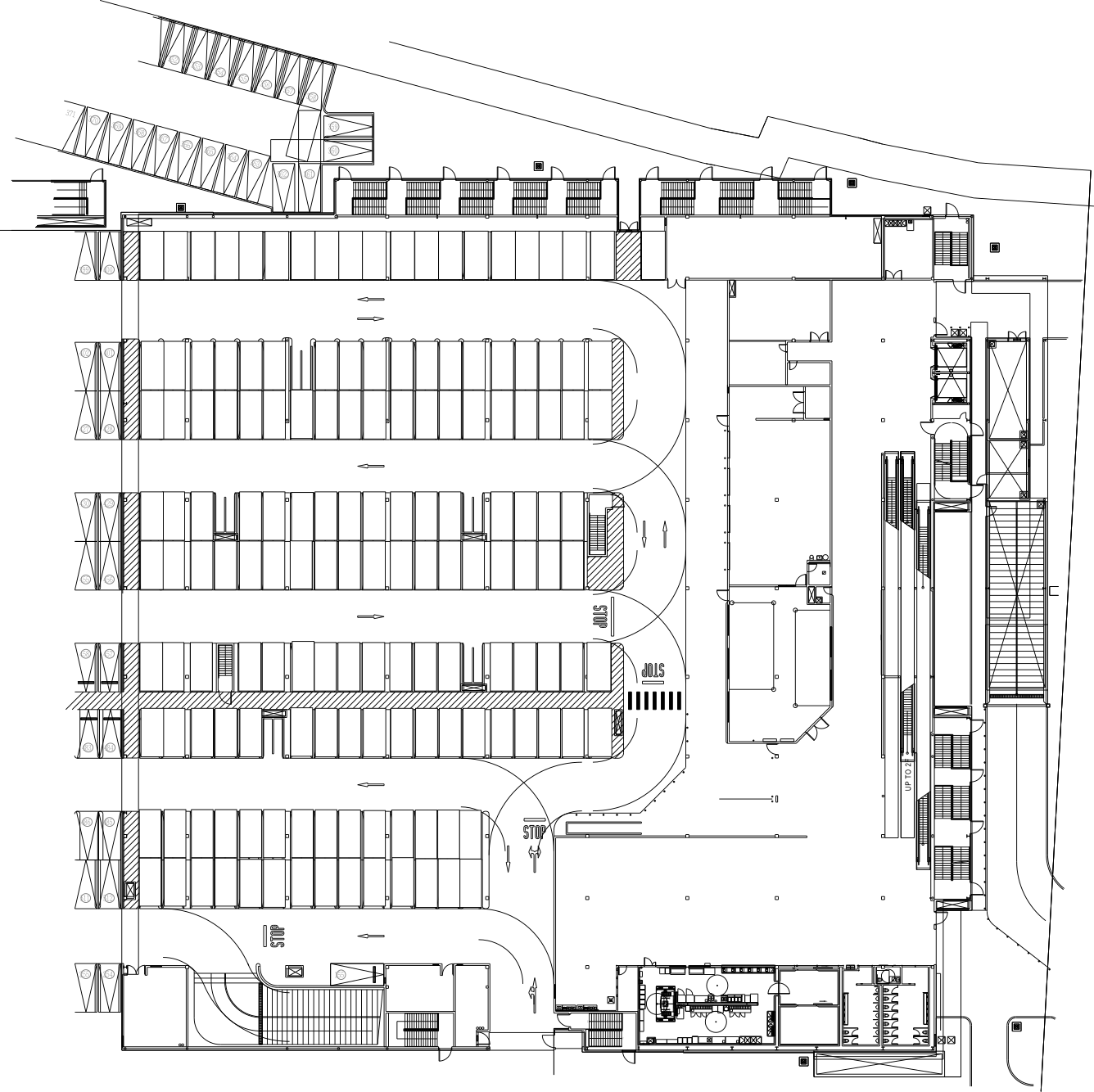
  • Graphical floor-map display for occupancy and status overview.
  • Operator monitoring of occupied, vacant, and abnormal parking conditions.
  • Integration with parking guidance displays and controller hardware.
  • Useful for multi-level parking ramps and structured car parks.

Operational Benefits

For Parking Operators

Improves visibility of parking-space usage and supports faster operational decisions.

For Drivers

Supports illuminated guidance that helps drivers reach available spaces more efficiently.

For System Managers

Creates a unified software layer across detectors, indicators, and controllers.

Software Overview

System RoleCentral parking guidance monitoring and visualization software
Data SourceReal-time occupancy information from remote parking-space devices
Main DisplayGraphical parking layout with live space status
IntegrationWorks with ultrasonic detectors, LED indicators, and zone controllers
Typical Site TypeMulti-story parking ramps and indoor parking facilities
Primary BenefitImproved visibility, guidance efficiency, and parking management response

Need a Full Parking Guidance Platform?

Contact PSM to discuss software deployment, device integration, and project-specific visualization needs.

Contact Our Team View Installations